Printable Math vs Digital Math: A Skill-by-Skill Breakdown
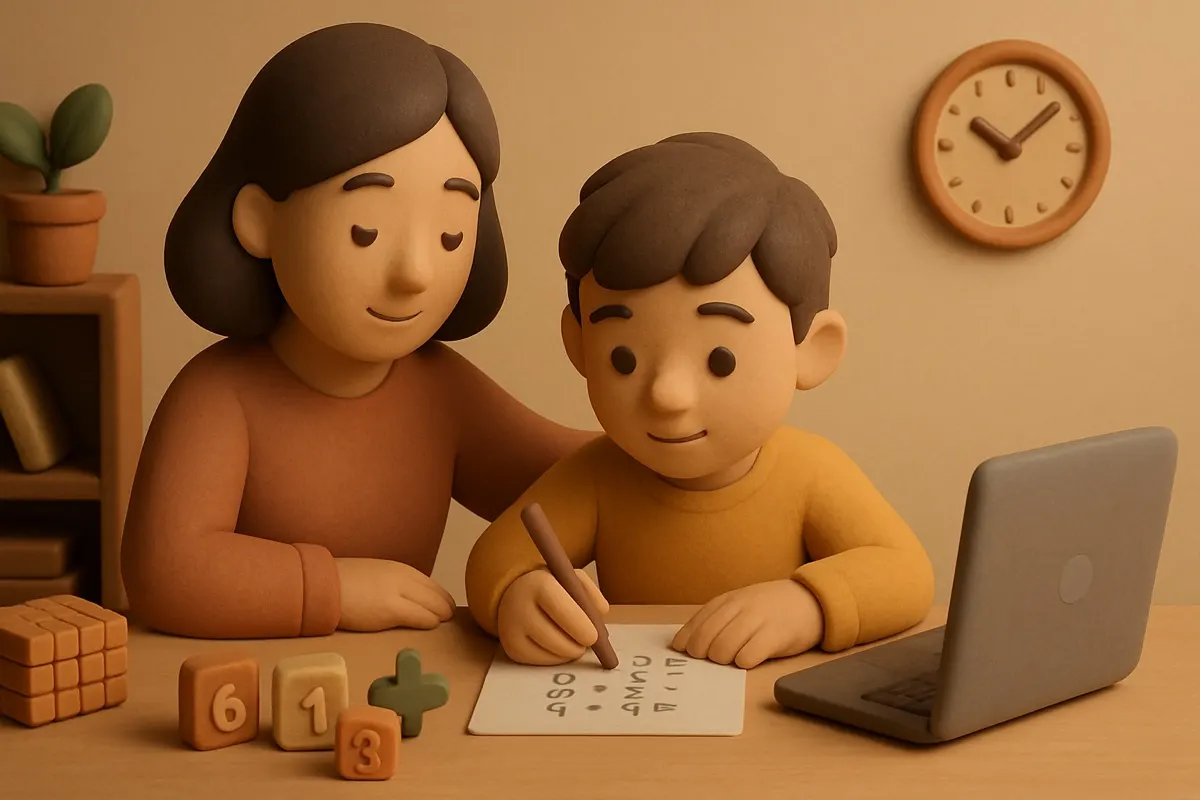
My son can add two-digit numbers in his head faster on paper than on a screen, and it took me a while to figure out why. On paper he writes the tens and ones in columns and the structure is right there in front of him. On a tablet the same problem shows up as one line of text and he loses track. Same kid, same skill, different result depending on the medium. That's the honest version of the printable vs digital math practice debate. Neither one wins across the board. Each one wins at specific things.
I write software, including a math app, so I'm not against screens. But I also know exactly what screens are bad at, because I've spent years trying to work around it. Here's the skill-by-skill breakdown I wish someone had handed me.
Where paper genuinely wins
Paper has one giant advantage: it shows the whole problem and all of your work at the same time.
Multi-step arithmetic. Long addition, subtraction with borrowing, long division, anything with columns and carries. These skills are about spatial structure. The ones line up under the ones. The carried digit sits above the next column. Paper makes that structure physical. Most apps flatten it into a single input box, which fights the exact thing you're trying to teach.
Showing work. When a kid has to write out each step, you can see where the thinking broke. A screen usually just tells you the final answer was wrong. Paper is a diagnostic tool. You can look at the scratch work and say "ah, you forgot to carry the one," which is worth ten right answers.
Geometry and anything you draw. Measuring, sketching a shape, splitting a rectangle into a grid. Drawing on paper is fast and natural. Drawing on most tablets is fiddly unless you have a good stylus, and even then it's slower.
Paper's weakness is the flip side of all this. It's silent. It doesn't tell you if you're right until an adult checks it, and by then you might have practiced the same mistake fifteen times.
Where digital genuinely wins
Screens have one giant advantage that paper can never match: instant feedback.
Math fact fluency. Memorizing that 7 times 8 is 56, over and over until it's automatic. This is pure repetition with immediate right-or-wrong feedback, and that's exactly what a screen does best. A worksheet of 40 multiplication facts gives feedback once, at the end, from a tired parent. An app gives it 40 times, instantly. For fact drilling, digital wins clearly.
Adaptive difficulty. A worksheet is the same for every kid. Good software watches which problems your child misses and quietly serves more of those. A kid who's shaky on the sevens should get more sevens, not another random mix. Paper can't do that. Software can, when it's built well.
Keeping a bored kid going. Let's be honest. A tenth problem on a worksheet feels like the tenth problem on a worksheet. On a screen, a little sound and a small reward keep a kid moving through the same practice. That's not cheating. That's just using the medium's strength.
Digital's weakness is that it hides the work. If the app only checks the final answer, you and your child both lose the ability to see the thinking. The good ones make kids show steps. Most don't.
The skills that are basically a tie
Some things work fine either way, and you should just use whatever your kid will actually do.
- Counting and number recognition for little kids. Blocks and fingers beat both, honestly, but if you're choosing between a printable and an app, either is fine.
- Word problems. These are about reading and reasoning, not the medium. What matters is whether your kid slows down and pictures the situation. That happens or doesn't happen regardless of paper or screen.
- Estimation. Rounding, ballparking a total. Works on paper, works on a screen, works best out loud in the grocery store.
How to actually choose
Forget picking a side. Match the medium to the skill.
- Learning why something works, or a multi-step procedure? Reach for paper. You want to see the steps and so does your kid.
- Building speed and recall on facts already understood? Reach for a screen. You want fast, repeated, instant feedback.
- Diagnosing a problem when your kid is stuck? Paper, every time. Watch the work, not the answer.
- Filling short pockets of time or fighting boredom? Screen. It's more portable and more forgiving.
The one rule I'd hold either way: rewards should follow real progress, not effort spent staring. A worksheet doesn't hand out prizes for time served, and a good app shouldn't either. When I built Math Prizes, the whole point was tying rewards to correct answers and genuine improvement, because a reward for just showing up teaches a kid to show up and coast.
The version I use at home
We use both, on purpose. New skills and anything with carrying or borrowing get taught on paper at the kitchen table, where I can see the work. Once my son understands the procedure, fact drilling and speed work move to a screen, because that's where repetition is painless.
The mistake is treating this as a values fight, paper for the virtuous and screens for the lazy. It's not. It's a tools question. A hammer and a screwdriver aren't rivals. You just have to know which one you're holding and what it's for.