How Much Screen Grind Is Hiding in Your Kid's Math App
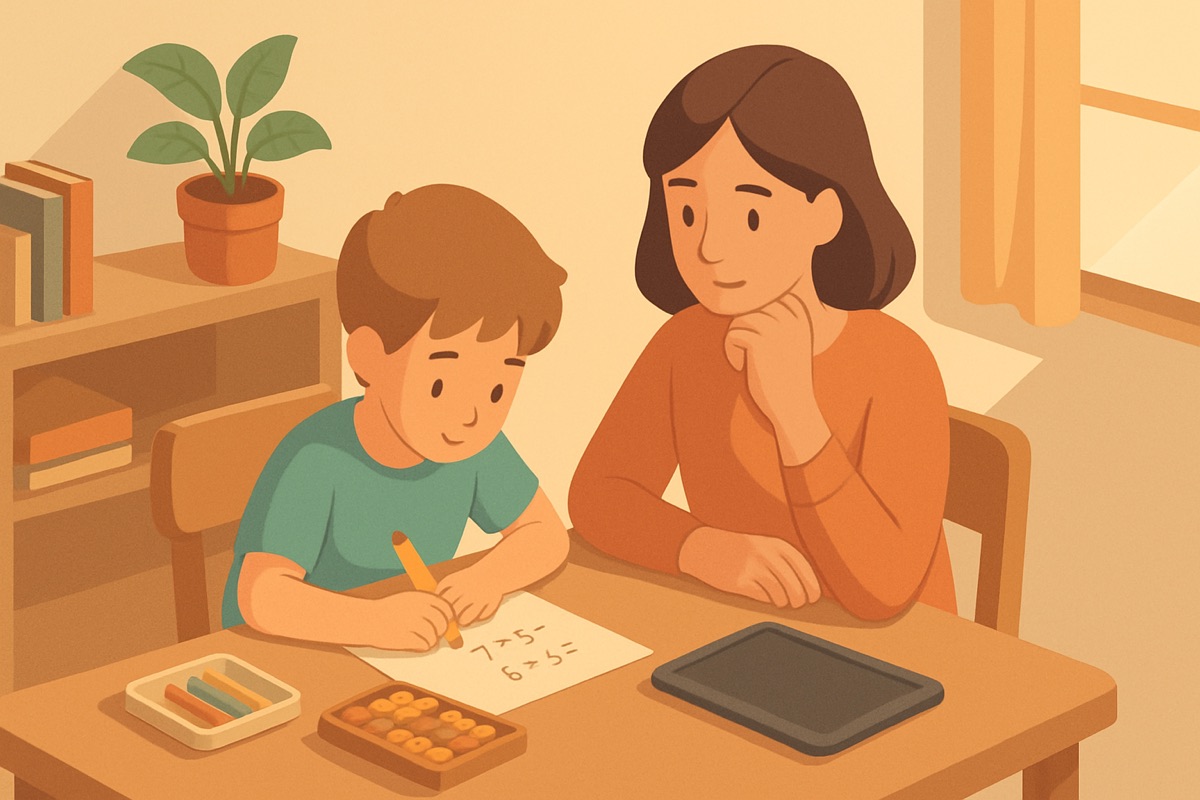
My daughter came off the tablet last week and told me she'd done "a whole level" of math. I asked her what she'd practiced. She thought about it for a second and said, "I collected four gems and a hat for my fox." She could not tell me a single problem she'd solved. The session timer said eighteen minutes.
That gap between time on screen and actual math learned is the thing I want to talk about. I've built software for fifteen years, and math app screen time grinding is a design pattern I recognize instantly, because I know exactly how it gets built and why. A lot of what looks like practice is padding. The trick is learning to see it.
Where the minutes actually go
Open a stopwatch next to your kid the next time they use a math app and just watch. Count the seconds spent on things that aren't math. On most apps I've tested, the real thinking is a surprisingly small slice of the session.
Here's a typical loop:
- A cartoon character walks on and talks for eight seconds
- A "get ready" animation plays
- One math problem appears
- The kid taps an answer
- A celebration animation fires for four or five seconds
- Coins fly into a jar
- A "you're on a streak" banner slides up
- Back to the character walking on
In that loop, the math is one tap. Everything around it is production value designed to feel rewarding. If a kid does thirty problems in eighteen minutes, and each problem is wrapped in fifteen seconds of animation, that's seven and a half minutes of watching things happen. Nearly half the session, gone to motion.
None of this is an accident. I've sat in the meetings where session length gets discussed. It's a number people watch closely.
Why apps are built to stretch
The uncomfortable part is that a lot of kids' apps make money from time on screen, either through ads or through metrics that impress investors. "Average session length" and "daily active minutes" are the numbers that go on the slide. An app that teaches your kid multiplication in six efficient minutes and then says "go outside" is, by those metrics, a failure. An app that keeps them tapping for forty minutes looks like a hit.
So the incentives quietly bend toward keeping kids on the device. Not through better teaching. Through stickier loops. Longer animations, daily login rewards, streaks that punish you for missing a day, chests you have to wait to open. These are the same mechanics slot machines use, softened with friendly art.
I'm not saying every app does this cynically. Some genuinely try to teach. But the pull toward grind is strong, because the business rewards it, and you should assume it's there until you've checked.
Real practice looks different
Actual math learning is a little boring to watch, and that's fine. When my son is genuinely working on regrouping, he's quiet. He's staring. Sometimes he counts on his fingers. Sometimes he's wrong and has to try again and gets a little frustrated. That friction, the part where his brain is actually doing the work, is the whole point. It doesn't photograph well and it doesn't make a fun trailer.
A few things separate real practice from padded busywork:
- Problems come fast. Little delay between finishing one and starting the next. The app respects that the kid is there to think.
- The difficulty moves. If your child gets ten in a row right, a good app makes the next ones harder. Grind apps keep serving the same easy problem because getting it right feels good and keeps them playing.
- Getting it wrong means something. The app slows down, shows why, and asks again. It doesn't just flash a sad noise and move on.
- The rewards are tied to progress, not minutes. A kid should earn something for mastering a skill, not for sitting there long enough.
That last one matters most to me. When we built our own app, Math Prizes, the rule we set for ourselves was that a kid earns tickets for real progress, never for time served. If it takes six minutes to nail a skill, great, go do something else. The reward should follow the learning, not the clock.
A test you can run tonight
You don't need any tools to check an app. Sit with your kid for one session and answer three questions.
First, how many actual math problems did they solve? Count them. Not "levels," not "gems." Problems where they had to figure out an answer. If it's under twenty in a fifteen-minute sitting, a lot of the time went somewhere else.
Second, could they tell you afterward what they practiced? My gem-and-hat conversation was the tell. If a kid can't name what they worked on, the math wasn't the memorable part, which means it wasn't the main part.
Third, does the app try to keep them on when they want to stop? Watch what happens when your kid says they're done. If a wheel-of-prizes pops up, or a "one more level for a bonus" offer appears, or leaving costs them a streak, the app is fighting for the minutes. That's the grind showing its face.
What to do with what you find
If an app fails these tests, you don't have to delete it in a huff. You can just cap it. Ten focused minutes of a decent math app beats forty minutes of grind, and you can set the shorter timer yourself. Tell your kid the deal plainly: we're here to do math, and when the math is done, we're done.
The bigger shift is in how you think about the number on the screen. Twenty minutes of "math app" is not twenty minutes of math. It might be seven. Once you can see the padding, you stop trusting the timer and start trusting what your kid can actually do. That's the only number that was ever worth watching.