Worksheets or Apps: When Paper Still Wins for Elementary Math
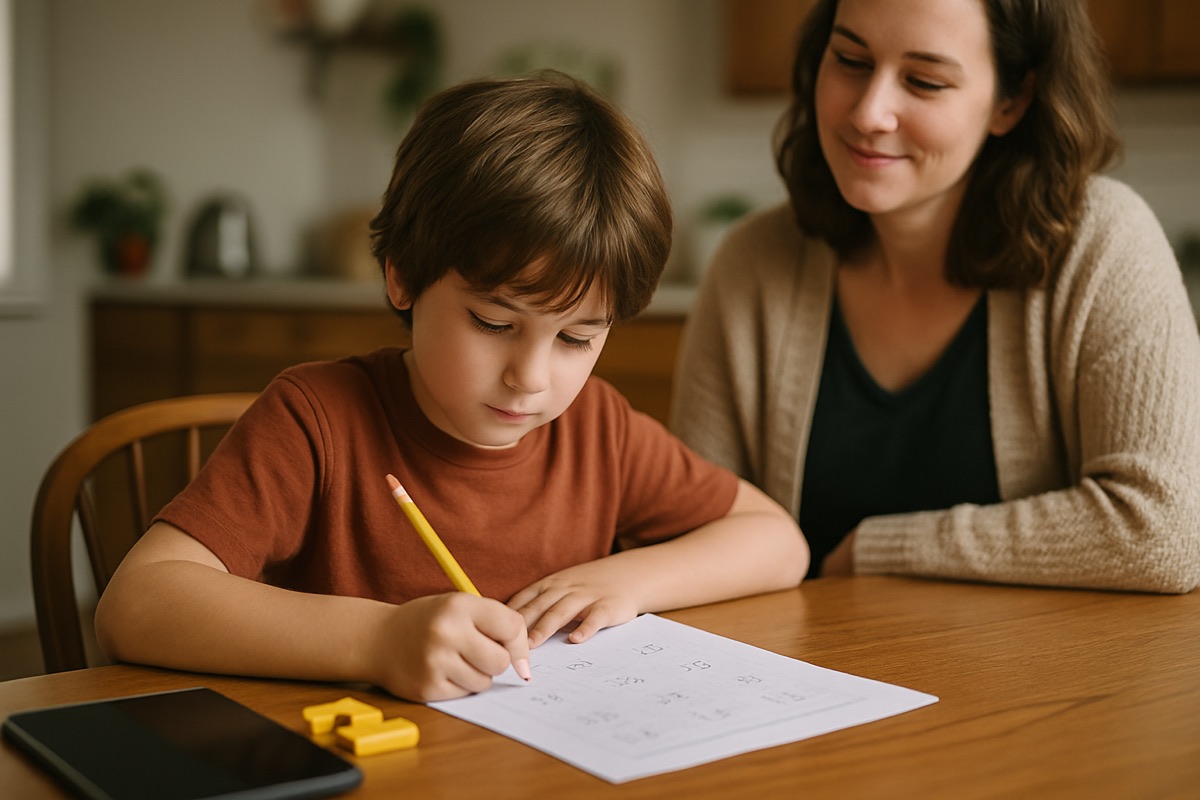
The night I printed a worksheet instead of opening my own app
My daughter was working on two-digit subtraction with regrouping, and she kept getting the same kind of wrong answer. On the tablet she was tapping through problems fast, getting the little "try again" buzz, and then guessing until the number turned green. I watched her do this for about four minutes and realized she had learned nothing except that the app would eventually let her move on.
So I opened a text file, typed out eight problems, and printed them. Plain paper. No sound effects. She had to write the "little 1" above the tens column with a pencil, and I could see, right there in her handwriting, exactly where the mistake lived. She was regrouping but forgetting to subtract the ten she had borrowed. Thirty seconds of looking at paper told me what four minutes of screen time had hidden.
I write a math app for a living. I still reach for paper on a regular basis. The real answer in the math worksheets vs apps debate is not "one is better." It is "each one is good at a different job," and most parents are handed the screen for jobs it is bad at.
What the screen is actually good at
Apps are not the enemy. There are real things a good one does that a stack of worksheets never will.
- Instant feedback on facts. For pure recall, like 7 times 8, a fast yes or no loop helps. A worksheet makes a kid wait until you check it, and by then the moment is gone.
- Spacing problems out over time. A decent app can bring back a fact your kid missed on Tuesday again on Friday, without you tracking it on a sticky note.
- Removing the "I hate my handwriting" friction. Some kids stall out because writing is slow and messy for them. Tapping lets them practice the math without fighting the pencil.
- Data you can actually see. A parent dashboard that shows which facts are shaky beats guessing.
Notice that every one of those is about fluency and recall. That is the narrow lane where software genuinely shines. The trouble starts when an app promises to teach the reasoning underneath, because that is where the screen tends to hide the exact thing you need to see.
Where paper still wins
Paper wins any time the process matters more than the answer.
Long multiplication is the clearest case. When a kid writes out 34 times 26, the partial products stack up on the page. You can look at the sheet and see that they multiplied correctly but lined up the second row one column too far left. On a screen that only asks for the final box, that mistake is invisible. The app just says wrong, and your kid has no idea which of the six steps broke.
Word problems are the same story. A kid needs room to underline the question, cross out the number that does not matter, and draw a quick box or a number line. Paper gives them that space for free. Most apps compress a word problem into a sentence and a multiple-choice row, which quietly teaches kids to hunt for the answer instead of understanding the situation.
And then there is the plain fact that writing by hand is slower, and slower is sometimes the point. Speed hides thinking. When my son does a page of fractions on paper, I can watch him pause and reason. When he does the same fractions on a tablet, he is optimizing for how fast the screen turns green.
The trick most parents miss
Here is the thing almost nobody tells you. The worst version of an app is one that grades only the final answer and rewards speed, because it accidentally trains guessing. The best version of paper is a blank sheet where a kid has to show every step. So the real comparison is not paper versus app. It is "shows the work" versus "hides the work."
A worksheet forces the work into the open. A well-built app can too, if it walks a kid through the steps instead of just buzzing at a wrong answer. When we built our own app, Math Prizes, the whole reason we added a step-by-step walkthrough for things like regrouping was that a plain right-or-wrong screen was teaching my own kids to guess. If an app cannot show you where the mistake happened, paper will.
A simple rule for picking
You do not need a chart on the fridge. Ask one question: is my kid practicing a fact, or building a skill?
- Practicing a known fact (times tables, addition within 20, doubles): the screen is fine, even great. Short bursts, quick feedback, then done.
- Building a multi-step skill (regrouping, long division, multi-digit multiplication, word problems): reach for paper, at least while it is new. You want to see the steps, and so does your kid.
Once a skill has moved from "figuring it out" to "just recalling it," it can graduate back to the screen for speed practice. That is the natural handoff, and it is fine to move back and forth. My kids do both in the same week.
The part that has nothing to do with screens
One last thing worth saying plainly. Ten focused minutes beats forty distracted ones on either medium. A kid grinding through fifty problems, paper or pixels, is usually just building resentment and sloppy habits. The goal was never volume. It was understanding, and then enough real practice to make the understanding automatic.
So do not feel guilty for printing a sheet in a house full of devices, and do not feel guilty for handing over a tablet when your kid needs to nail their sixes. Match the tool to the job. Paper is cheap, it shows the work, and it has never once needed a software update at bedtime.