When 'Just Five More Minutes' Becomes an Hour: Fixing the Time Blindness
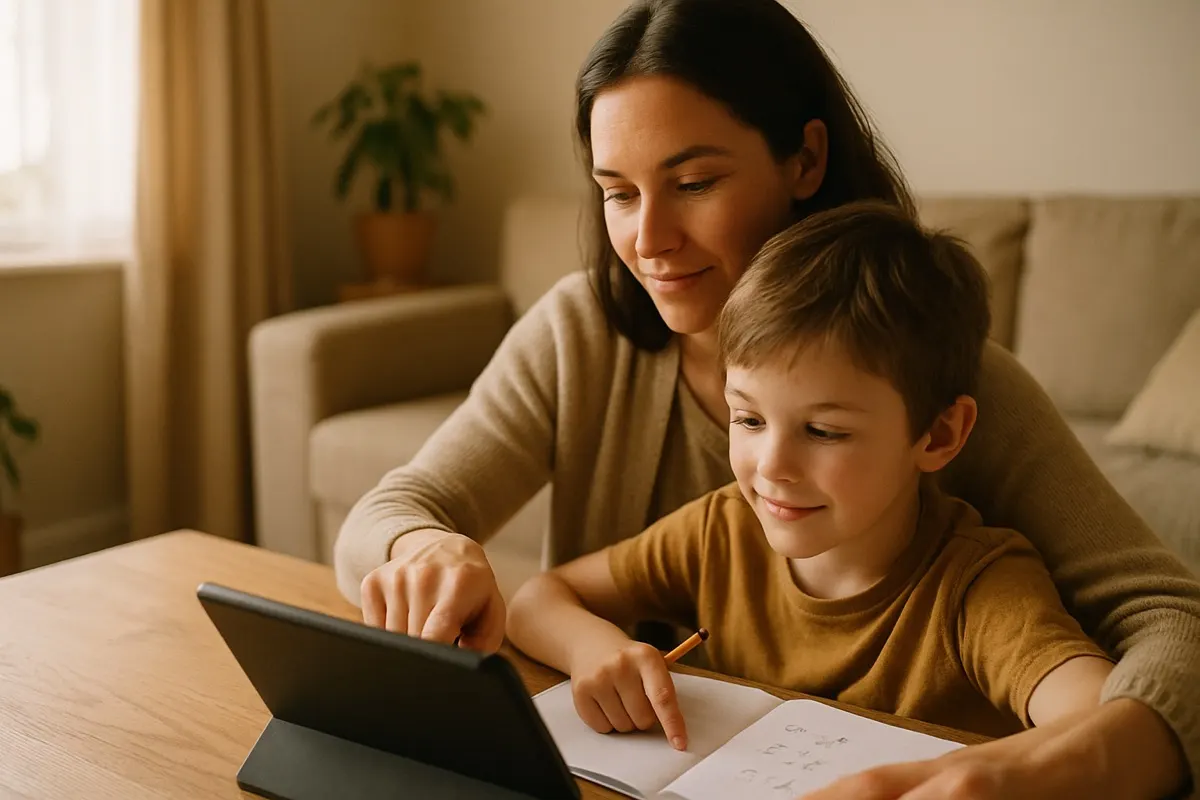
My daughter asked for five more minutes at 4:15. When I looked up again the kitchen clock said 5:10. She was genuinely surprised. Not caught, not lying, surprised. That gap between what she felt and what the clock said is the thing worth understanding, because it explains why kids lose track of time on screens even when they are not trying to get away with anything.
I write software for a living, including a math app for my own kids. I know how these things are put together. Time blindness on a screen is not a character flaw in your child. A lot of it is designed in.
Why the clock disappears
Think about the last app your kid used. Was there a clock on the screen? Almost never. There is no sunset, no dinner smell, no friend saying "I have to go home." A video ends and the next one is already playing. A level ends and the next one loads before your kid can decide whether to stop. Every natural stopping point has been sanded off on purpose.
Here is the part that surprised me when I first read the research on it. Our sense of how much time has passed comes partly from how many separate things we remember happening. A boring afternoon feels long because you notice each dull minute. A great show feels short because it flows. Screens are engineered to flow. When one thing blends into the next with no break, the brain has nothing to count, so an hour feels like ten minutes.
Kids are worse at this than adults for a plain reason. The part of the brain that tracks time and plans ahead is still under construction until the mid-twenties. Asking an eight-year-old to self-monitor an hour of autoplay is like asking them to hold their breath because you told them to. The equipment is not finished yet.
What does not work
I tried the obvious stuff first, so you do not have to.
- "Ten more minutes" with no timer. She has no way to feel ten minutes, so this is just a number I said.
- Yelling the countdown from another room. She is inside the screen. My voice is outside it. It does not land.
- Trusting the built-in "you have used the app for a while" nudge. Half the time it is buried, and kids learn to swipe it away without reading it, the same way you dismiss a cookie banner.
The pattern is that all of these leave the tracking job with the kid, who is the one person in the house least able to do it right now.
Give the time a body
The fix that actually held up in our house was making time into something she could see and hear, outside the screen where the app cannot hide it.
We use a plain kitchen timer. Not a phone, a real one with a dial. When she starts, we set it together and put it where she can see it. The point is not the alarm at the end. The point is that she can glance over and watch the wedge of time shrink. That gives her back the thing the app took away, which is a running count of how much is left.
A few specifics that made the difference:
- Set it together, out loud. She turns the dial. It becomes her plan, not my rule.
- Give a warning at the halfway mark, once, then leave it alone. Constant reminders just teach kids to tune you out.
- Make the stopping point a real event. The show is over, we close the lid, we go outside. A clean break is easier to feel than a fade-out.
For a while we also narrated it. "The timer says fifteen. What do you want to spend it on?" That question does more than it looks like. It turns passive scrolling into a choice, and a kid who chose to watch one specific thing is far more ready to stop when it ends than a kid who was just carried along by autoplay.
Turn off the current
The single biggest lever is autoplay. Go into the settings of whatever your kid uses and turn off the "play next" feature everywhere you can find it. On most video apps it is one toggle. That toggle changes the whole experience from a river that carries them downstream to a series of separate stops where a decision has to be made.
When the next thing does not start on its own, a natural pause appears. In that pause a kid can actually notice they are hungry, or bored, or that the timer is almost done. You are not adding willpower. You are removing the thing that was overriding it.
I will say one honest thing about apps here. When we built our math app, we made the sessions end. There is a clear finish, a plain "you are done for now," and no endless next-thing waiting to pull them back in. Any tool your kid uses can be judged the same way. Does it try to keep them, or does it let them leave. That question tells you more than the star rating does.
What to expect
The first week will not be smooth. Turning off autoplay and adding a visible timer removes the exact features that were keeping your kid quiet, so expect some friction while the new normal sets in. Push through it. What you are teaching is not "screens are bad." It is that time is a real thing you can see and spend, and that a person decides when something ends.
My daughter still asks for five more minutes. The difference now is that she can look at the dial and see what five minutes actually is. Last week she asked for five more, watched the timer, and turned it off herself at zero. She looked a little proud of it. That is the whole goal. Not a kid who obeys the clock, but a kid who can feel it.