How We Handle Screen Time With Two Kids and One Tablet
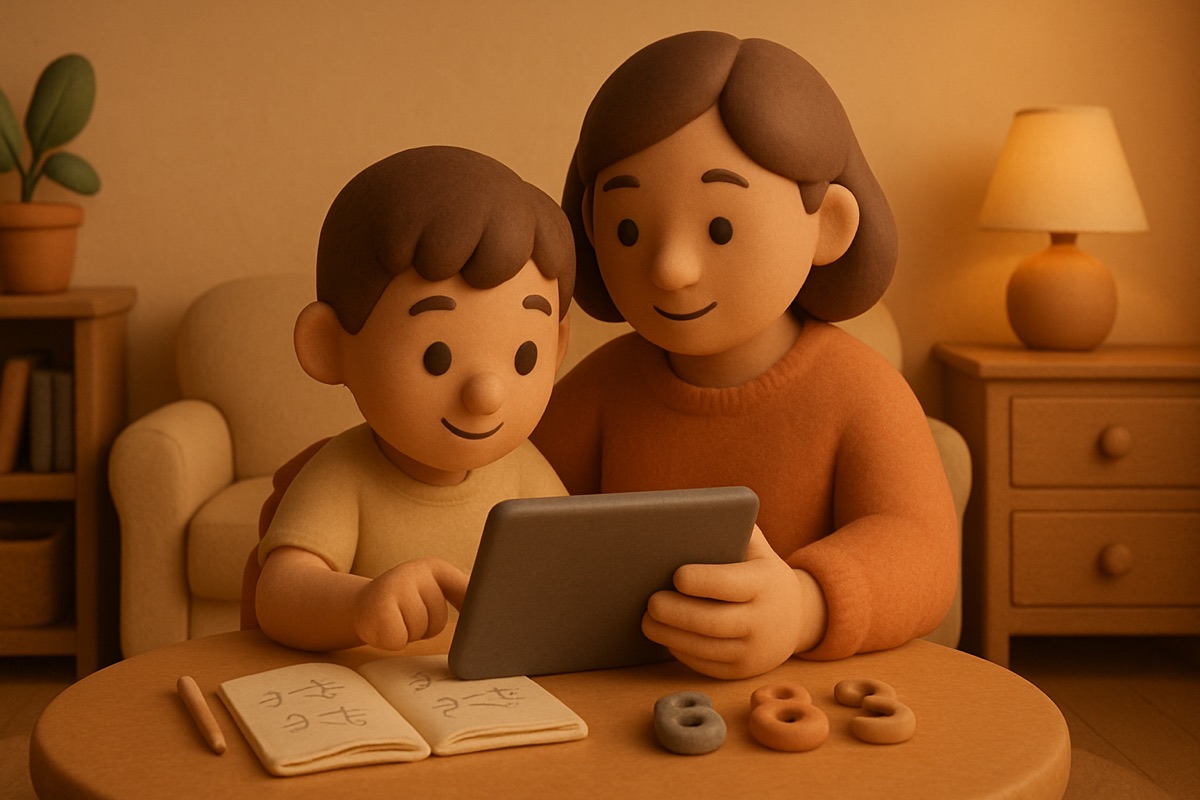
The fight was never really about the tablet. It was about fairness. My two kids, ages six and nine, could turn a single iPad into a full courtroom drama in under a minute. "She got more time yesterday." "He always picks first." "That doesn't count, the app crashed." I spent more energy refereeing screen time than they spent using it. If you're figuring out sharing screen time between multiple kids with one device, you already know this special flavor of exhaustion.
What finally worked wasn't a stricter rule or a fancier app. It was making the system so clear and so visible that I stopped being the judge. When the rules are obvious and the same every day, the arguing loses its fuel. Here's what we landed on, after a lot of trial and error and at least one tablet nearly ending up in the pool.
Make the turns visible, not verbal
The core problem with one tablet and two kids is that "whose turn is it" lives in your head, and your head is a terrible referee because both kids think you're biased. So we got it out of my head and onto the wall.
We use a simple timer and a little whiteboard on the fridge. When one kid is on the tablet, their name is up and a kitchen timer is running where both kids can see it. When it dings, it's the other kid's turn, no discussion, the timer decided. The magic isn't the timer itself. It's that the ticking clock is neutral. Kids will argue with a parent all day, but they don't argue with a timer. The timer isn't playing favorites.
We also alternate who goes first each day, and it's written down. Monday the older one starts, Tuesday the younger. Nobody has to remember or negotiate. The whiteboard remembers.
Split by turns, not by minutes, when they're far apart in age
Early on I tried giving each kid an equal number of minutes. It seemed fair on paper. It was a disaster in practice, because a six-year-old and a nine-year-old don't do the same things on a screen, and equal minutes felt equal to nobody.
What worked better was thinking in blocks. Each kid gets a block, the blocks are the same length, and what they do inside their block is somewhat up to them. My younger one might do a math app and then a drawing game. My older one might do one longer thing. The blocks are equal, the activities differ, and neither kid feels shorted because the container is identical even when the contents aren't.
A few things that made the blocks work:
- Same length every day, so there's nothing to renegotiate.
- A warning before the block ends. "Two minutes" out loud gives them time to wrap up, which cuts the meltdown when it's actually over.
- The tablet physically changes hands and gets set down between turns. That little ritual marks the switch better than just passing it.
Separate learning time from fun time
Here's the distinction that changed the whole feel of screen time at our house. Not all screen time is the same, and pretending it is causes half the fights.
We split the day into two buckets. There's learning time, which is a math app or a reading app or something with actual substance, and that time doesn't count against their fun block. Then there's fun time, the games and videos, which does. Once the kids understood that doing their math app didn't eat into their game time, the resistance to the learning stuff mostly evaporated. It stopped feeling like a tax.
This is where the anti-grinding thing matters, though. A learning app only earns that special status if it's actually teaching, not just dressing up a slot machine in numbers. Plenty of "educational" apps are built to keep a kid tapping forever, and that's just fun time wearing a costume. I look for apps where the rewards are tied to real progress, where a kid moves forward because they actually understood something, not because they ground out a hundred taps. We built our own math app, Math Prizes, on exactly that principle, but the test applies to anything. If the app rewards busywork, it's not learning time, no matter what the store listing says.
Let natural consequences do the enforcing
The last piece was getting myself out of the enforcement business. When a kid fights over their turn or won't hand the tablet off when the timer dings, the consequence isn't me lecturing. It's simple. That behavior ends tablet time for the day, for that kid. Once. Calmly. No second warning.
The first week, somebody tested it, and lost the rest of their turns that day, and there were tears. But because the rule was clear and it applied the same way to both of them, they learned it fast. A rule that's enforced consistently a few times teaches more than a rule you nag about constantly and never actually follow through on. Kids are excellent at spotting which rules are real.
The younger one figured out that holding the tablet hostage past the timer just meant losing it entirely, so she started handing it over on the ding. Not happily. But she did it.
It gets quieter, not perfect
I won't pretend my house is silent about screens now. They still occasionally squabble over who got the "better" turn or whether a crashed app should count. But it went from a daily battle that ate my evenings to an occasional grumble I can settle in ten seconds by pointing at the whiteboard.
The thing that made it work was taking myself out of the middle. The timer decides. The whiteboard remembers. The blocks are equal. Learning time is free, fun time is earned, and the consequences are the same for both kids every single time. Once all of that was visible and predictable, there was just less to fight about. One tablet, two kids, and most nights, actual peace.