Coding for Kids Without the Hype: What's Real at the Elementary Level
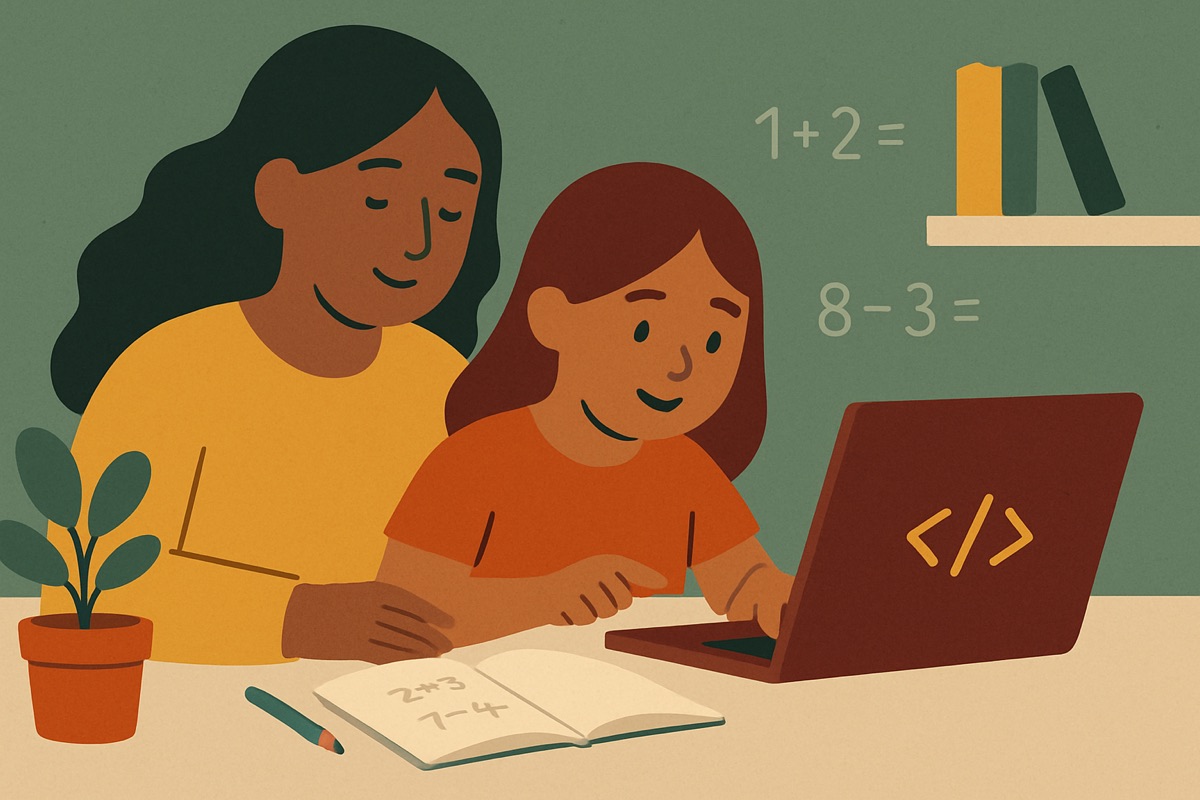
My eight-year-old asked me last spring if she could "make a game." What she meant was she wanted to build something like the app she plays after dinner. What she actually did over the next month was drag colored blocks around a screen to make a cat walk in a square, then a triangle, then bump into a wall and turn around. That's coding for kids at the elementary level. It looks nothing like the movie version, and that gap is where a lot of parents get talked into things they don't need.
I've written software for fifteen years. I also build a little math app for my own kids with my wife. So I've seen both sides: the code that runs real things, and the marketing that gets pointed at parents who feel a step behind. Let me tell you what's real.
What coding actually teaches a seven-year-old
Coding is not really about typing secret words into a black screen. At the elementary level it's about breaking a task into small, exact steps and putting them in the right order. That's the whole thing. Everything fancy comes later.
When my daughter made the cat walk in a square, she had to figure out that "walk in a square" means: go forward, turn, go forward, turn, four times. Then she discovered the turn was 90 degrees, not just "a turn." Then the cat drifted off the edge and she had to add a rule for that. Nobody taught her a language. She learned to think in steps and to fix her own mistakes without falling apart, which honestly is the part I care about most.
That skill has a name teachers like: computational thinking. You don't need a subscription to build it. You need a kid who's allowed to try something, watch it fail, and try again.
The stuff that's mostly marketing
Here's what I'd tell a friend to be skeptical of.
- "Prepare your child for the jobs of the future." No coding tool for a six-year-old is doing that. The languages I use at work will be half-replaced by the time she graduates. What lasts is the thinking, not the specific blocks.
- Expensive robot kits. The good ones are genuinely fun, but a $200 robot does not teach more logic than free block-based coding. It teaches the same logic with better lighting. If your kid loves physical things, great, but buy it because it's fun, not because it's necessary.
- "Certificates" and "levels" and badges that pile up fast. A lot of apps hand out rewards for clicking through, not for solving anything. If a kid can earn the badge without thinking, the badge is decoration. This is the same trap I try hard to avoid in my own app, because a reward that isn't tied to real progress just teaches kids to chase the reward.
- Anything that promises your kid will "learn Python" at age six. They won't. They can learn to think in a way that makes Python easy at age twelve, which is a much better deal.
Where to actually start (most of it is free)
You do not have to spend money to start. Some of the best first steps aren't even on a screen.
Try the "robot" game at the kitchen table. Your kid is the programmer, you're the robot. They have to give you exact instructions to make a peanut butter sandwich. When they say "put the peanut butter on the bread," you dramatically set the whole jar, lid on, on top of the loaf. They howl. Then they learn to say "unscrew the lid, pick up the knife, scoop." That's debugging. That's the entire discipline, and it costs a slice of bread.
On the screen, the two I'd point a beginner to are both free. Scratch and its younger sibling ScratchJr come out of MIT and were built for kids, not for selling upgrades. Code.org has free lessons organized by grade, and the early ones use pictures instead of reading, so a pre-reader can do them. Start there before you pay for anything. If your kid is still asking for more after a few weeks, then you've learned something real about what they like, and you can spend money on purpose.
A reasonable first month looks like:
- One or two short screen-free logic games a week (the robot sandwich, giving directions to a treasure on a grid you drew).
- Ten or fifteen minutes on ScratchJr or Code.org when they're interested, and zero when they're not.
- You sitting nearby, not hovering, letting them get stuck.
That last one matters more than any tool. The single most useful thing I do is not rescue her the second something breaks.
How to tell if it's working
You'll know coding is doing its job not when your kid writes more code, but when they get better at being stuck. A kid who's actually learning will start saying things like "wait, let me change this one part" instead of "it's broken, fix it." They'll test one small thing at a time. They'll predict what should happen before they run it.
My daughter's cat still doesn't do anything impressive. Last week she made it meow every time it hit the wall, and she thought that was the funniest thing in the world. She also spent twenty minutes figuring out why it meowed twice instead of once. Nobody made her do that. That's the part no app can sell you, and it's the only part that was ever the point.
If you take one thing from this: start free, stay skeptical of anything that rewards clicking over thinking, and let your kid struggle a little. The struggle is the class.