Should You Buy the Kids Edition Tablet or a Regular One?
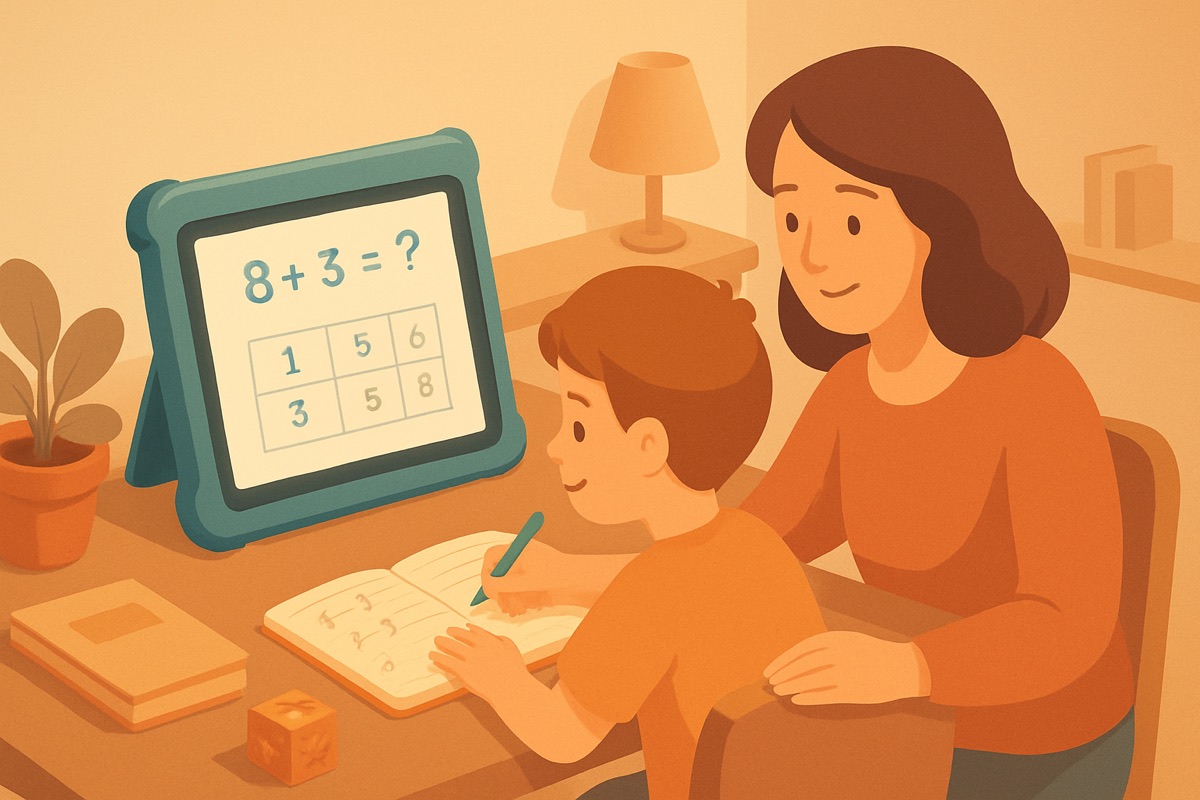
Same tablet, chunky case, higher price
Walk down the tablet aisle and you'll see the same model twice. One is the plain version. The other is the "kids edition," which is usually the exact same hardware wearing a thick foam bumper, bundled with a year of some content subscription and a longer warranty, for thirty to sixty dollars more. I build math apps for kids, including my own, so people ask me the kids edition tablet vs regular question a lot. The honest answer is that the kids edition is often the same tablet with a case and a subscription stapled on, and whether that's worth it depends on three specific things, not on the marketing.
Let me walk through what you're actually paying for, because the box makes it sound like a different device. It usually isn't.
What the extra money actually buys
Peel back the packaging and the kids edition premium comes down to three parts:
- The bumper case. Thick foam, grippy, survives being dropped off the couch. This is real value for a young kid, and honestly the most useful part.
- The warranty. Usually a "we replace it no questions asked for two years" promise. Kids break tablets, so this isn't nothing.
- The content subscription. A year of a curated kids' content service, games, books, videos. This is where the value gets murky.
The hardware itself, the screen, the chip, the storage, is almost always identical to the cheaper regular version. You are not buying a better tablet. You're buying protection and a content bundle wrapped around the same tablet.
The case is easy to replicate
Here's the thing nobody at the store will tell you. A rugged foam case for the regular tablet costs around fifteen dollars on its own. Search the exact model name plus "kids case" and you'll find a dozen. Same bumper, same grip, same survivability, a fraction of the kids-edition markup.
So if the case is the main thing you want, you can buy the regular tablet and the case separately and usually come out ahead, sometimes by twenty or thirty dollars. That math flips only if the bundle is on a real sale, which happens during the big shopping holidays. Outside those windows, buying the pieces yourself is often cheaper.
The warranty is the real toss-up
The extended "we'll replace it" warranty is the part I'd actually think hard about, and it comes down to one question: how old is your kid?
For a four-year-old who treats a tablet like a frisbee, a no-questions replacement warranty can pay for itself the first time it goes flying down the stairs. For an eight-year-old who's reasonably careful, you may never use it, and you've paid for insurance you didn't need.
I'd frame it the way I frame any warranty. What does it cost, what does a replacement cost without it, and how likely is the kid to destroy the thing in the covered window? For a rough little kid the odds favor the warranty. For an older, gentler one they don't. There's no universal answer, just your specific kid.
The bundled subscription is where I get skeptical
The content subscription is what makes the kids edition look like a screaming deal on paper. A year of games and books and videos, "included"! Here's where fifteen years of building these apps makes me squint.
First, that year runs out, and then it quietly rolls into a monthly charge unless you cancel. Set a reminder the day you unbox it. A lot of the "value" in these bundles is really a subscription on a timer, and the company is betting you forget.
Second, a curated content library is not the same as good content. A lot of what's inside these bundles is filler, the kind of app designed to keep a kid tapping rather than to teach them anything. More titles isn't better if most of them are junk. I've torn apart enough of these to know that a big catalog often hides a small number of things actually worth your kid's time.
Third, you can usually get the specific apps you want on a regular tablet anyway. If there are three programs your kid genuinely uses, download those three. You don't need a whole walled garden to get to them.
None of this means the subscription is worthless. If your kid will really use it and you'll cancel on time, fine. Just don't let the "free year" do all the persuading.
How I'd actually decide
Strip away the packaging and it's a short checklist:
- Kid under five, or a known tablet-destroyer: the kids edition can be worth it for the case and warranty together. Buy it, set a calendar reminder to cancel the subscription before it renews.
- Kid six and up, reasonably careful: buy the regular tablet, add a fifteen-dollar rugged case, download the two or three apps you actually want. You'll usually spend less and end up with the same device.
- You want real parental controls: check these on the specific model regardless of edition. The kids edition's controls are often just the regular tablet's built-in controls with a friendlier setup screen. Don't pay a premium for a feature the plain version already has.
The cleanest way to think about it: the tablet inside both boxes is the same. You're deciding whether the case, the warranty, and the content bundle are worth the gap for your particular kid, not whether one is a "better tablet." It isn't.
The part that outlasts the tablet
Whichever box you carry home, the hardware is the least important decision you'll make. What your kid does on it matters far more than which edition it is. A regular tablet with two genuinely good apps and clear limits beats a kids edition loaded with fifty mediocre ones.
So buy whichever fits your kid and your budget, don't overthink the badge on the box, and spend your real attention on what actually lives on the screen. That's the choice that shapes whether the thing helps your kid or just occupies them.