How to Set Screen Time Limits That Your Kid Actually Respects
The timer that started a war every single day
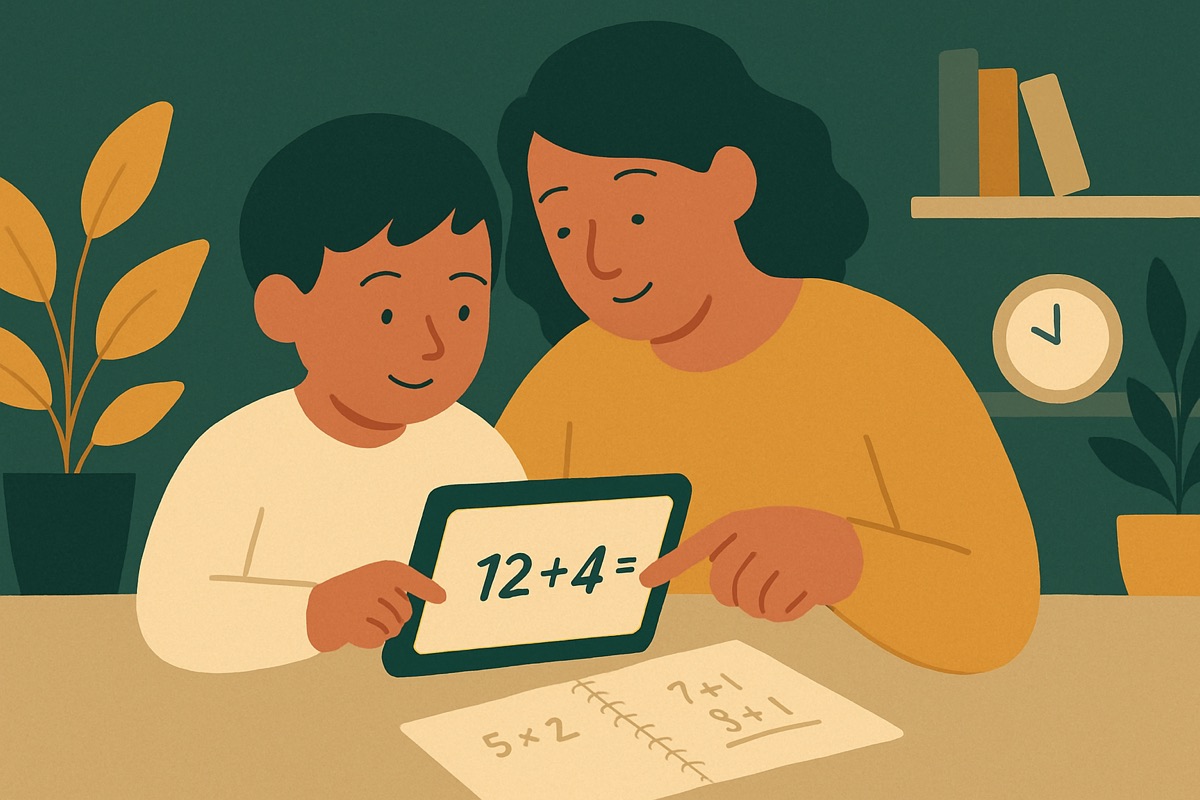
A parent at conferences once told me their evenings had become a hostage negotiation. Every night at 7:00 the tablet timer went off, and every night their eight-year-old melted down, bargained, and stalled for another twenty minutes. The limit existed. It just didn't work, because it landed on the kid like a surprise every time, an arbitrary wall that appeared out of nowhere. She'd been fully absorbed in something and then an adult and a beeping device yanked her out of it.
That's the real problem with most screen time limits, and it's why learning how to set screen time limits for kids is less about picking a number and more about how the number gets introduced and enforced. A limit your kid respects feels predictable and fair. A limit they fight feels like an ambush. Same number of minutes, completely different outcome, and the difference is almost entirely in the setup.
Blanket bans and blanket numbers both miss
Two approaches fail in opposite directions. The first is the total ban, no screens at all, which sounds virtuous and lasts about until the parent needs twenty quiet minutes to make dinner. Rigid rules break under real life, and when they break the kid learns the rule was never serious.
The second is picking a flat number of minutes and treating all screen time as the same thing. An hour of a math game where your kid is actually thinking is not the same as an hour of autoplay videos designed to keep a thumb scrolling. Counting them equally is like counting an hour of homework and an hour of candy as the same "hour of food." What's on the screen matters at least as much as how long it's on.
So before you set a number, sort the screen time into rough buckets:
- Creating or learning. Building something, a math or reading app where they're solving problems, drawing, coding, writing.
- Connecting. A video call with grandparents, playing a game with a friend who's actually in the room.
- Consuming that has a natural end. A show or a movie with actual credits that roll.
- Consuming that never ends. Autoplay feeds, endless-scroll apps, games engineered so there's no good stopping point.
That last bucket is the one that causes the meltdowns, because it's built to have no exit. The limits should be tightest there and loosest on the first bucket.
Set the limit with them, not at them
Here's the shift that changed everything for the family I mentioned. Instead of announcing the rule, they set it together, at a calm time, nowhere near a screen. They sat down on a Sunday and made a plan the kid helped build. When a kid has a hand in the rule, they defend it instead of attacking it.
Ask questions and let them answer. How much screen time feels fair on a school night? What should happen before screens, homework, dinner, something outside? What's the warning going to be so it's never a surprise? Write it down together, actually on paper, and stick it on the fridge.
This isn't about handing over control. You still have final say, and some things aren't negotiable. But a kid who chose the plan with you is a kid who can't credibly claim it's unfair, because they built it. And when they push, and they will, you get to say "this is the plan we made," which is a very different conversation than "because I said so."
The warning is the whole trick
If I could give a parent one concrete tool, it's this. Never end screen time cold. The transition out is what causes ninety percent of the fights, so build a landing strip.
A ten-minute warning, then a five-minute warning, then done. "Ten more minutes, find a good stopping point." This gives the kid time to wrap up the level, finish the video, save their progress, and make peace with it. You're not being soft. You're respecting that being ripped out of something you're absorbed in feels bad at any age. Think about how you'd feel if someone slapped your book shut mid-sentence.
For apps that have natural stopping points, use them. "You can finish this problem set, then we're done" works far better than "time's up right now." This is one reason I care how a kid's apps are built. The good ones give a clean place to stop. The ones designed to trap attention fight you at the exit on purpose, and those are the ones I'd put on the shortest leash.
Make the limit hold without you hovering
A rule that only works when you're standing over the kid isn't really a rule, it's you being a human timer. The goal is a limit that mostly runs itself.
Use the device's built-in controls to back up the agreement, not to spring traps. Most tablets and phones let you set daily limits and downtime by app category. Set them to match the plan you made together, and tell your kid you did. The point isn't to catch them, it's to take the enforcement off your shoulders so the timer is the bad guy, not you.
And hold your own line, because kids read hypocrisy instantly. If the rule is no screens at dinner, your phone goes in the other room too. A limit you won't follow isn't a limit, it's a lecture, and they know the difference.
Aim for judgment, not just obedience
The reason I care about doing this well isn't just calmer evenings, though those are nice. It's that the eight-year-old fighting the timer today is going to have a phone with no parental controls in a few years. The habits you build now, noticing the difference between screen time that gives them something and screen time that just takes their attention, are the habits that will actually protect them when you're not the one setting the limits anymore.
That family's evenings got quieter, eventually. Not because they found the magic number of minutes. Because the kid stopped experiencing the limit as something done to her and started seeing it as a plan she was part of. That's the version that lasts, and it's the only version worth the effort.