Kids and Passwords: Teaching Basic Account Safety Before Age 10
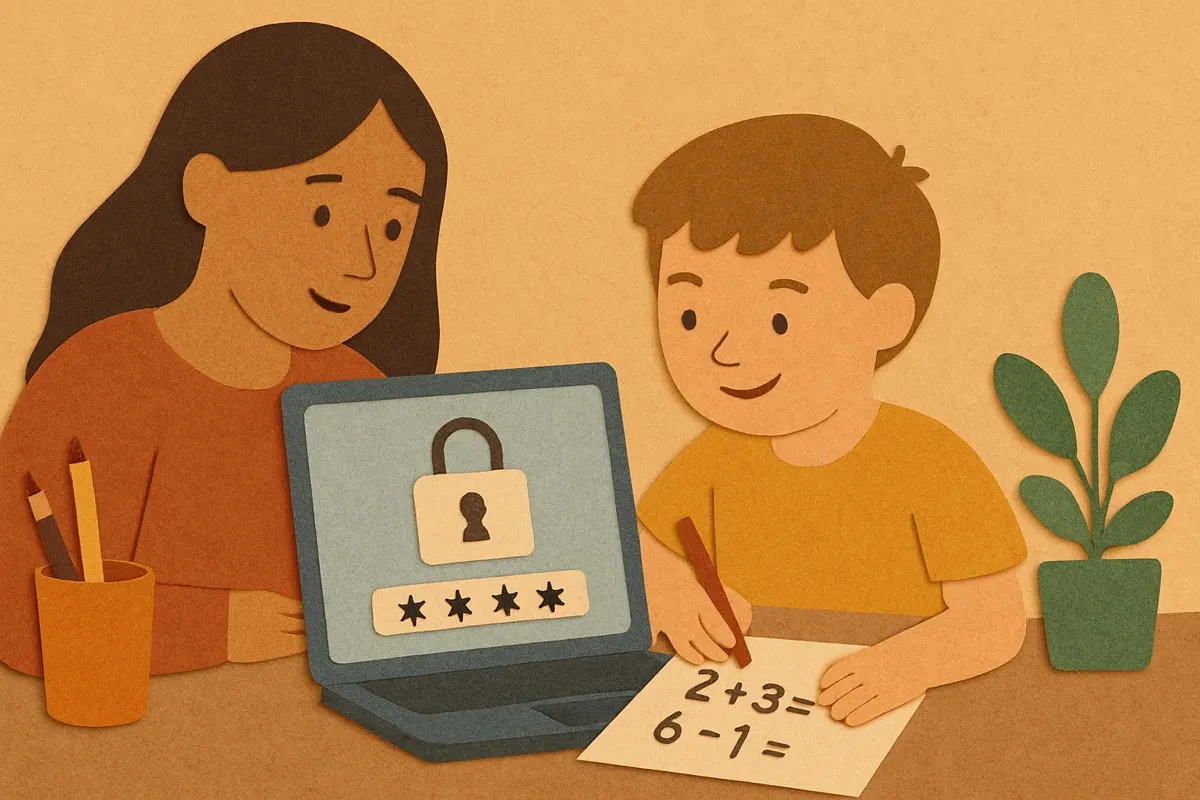
My eight year old came to me last spring wanting the password to a game so she could play it on her tablet. I gave it to her, she typed it in, and then she said it out loud to her little brother across the room so he could play too. That was the moment I realized I'd taught her nothing about how any of this actually works. I write software for a living. I secure systems all day. And my own kid was broadcasting a password like it was a snack she was sharing.
Teaching kids password safety before age 10 sounds like it should be complicated. It isn't. What it mostly requires is dropping the scary-internet framing and explaining, in plain terms, what a password is for and why you don't hand it around. Kids this age are perfectly capable of getting it. They just need it explained like a real thing, not a rule handed down from nowhere.
A password is a key, not a rule
Start with the concept, because a rule with no reason behind it gets ignored the second you leave the room. I told my daughter that a password is exactly like the key to our front door. We don't give the house key to random people, and we don't leave it under the mat with a sign pointing to it. A password is the key to her stuff, her game progress, her account, and the same logic applies.
This clicked in a way "be careful online" never did. She understood keys. She understood that if the neighbor kid had our house key, he could come in whenever he wanted and we couldn't stop him. Passwords work the same way. Once she had the key idea, the rest of it made sense on its own, including why yelling it across the room was a bad move.
What actually matters at this age
You don't need a kid under ten managing a dozen unique complex passwords. That's not realistic and it's not the point yet. A few basic habits carry almost all the value.
- Don't tell your password to friends, even best friends. This is the big one. Most account trouble at this age isn't hackers, it's a friend who knew the password and used the account, or a falling-out where the "friend" isn't anymore.
- Longer is stronger. A phrase like "purplecatjumps" beats "cat123" easily, and it's easier to remember. I explained that a longer key is harder to copy, which is close enough to true for a kid.
- A grown-up in the house always knows the passwords. Not to snoop, but because I'm the backup. If she forgets it, I have it. This also quietly means no secret accounts, which matters more as they get older.
- The same password everywhere is a problem. If one place leaks it, everywhere is open. I didn't push hard on this at eight, but I planted it.
That's genuinely most of it for this age. Don't overload them. Pick the friends rule and the grown-up-knows rule, get those solid, and add the rest over the next couple of years.
How the pros actually do it (and what to skip)
Here's a thing the security industry doesn't advertise loudly. Most adults who work in tech do not memorize their passwords. We use a password manager, which is an app that generates and stores long random passwords so you only have to remember one. That's the honest answer to "how do you keep track of them all." You don't. A tool does.
For a kid under ten I wouldn't set up a full password manager yet, but it's worth knowing the direction things are heading, because the advice you got as a kid ("make a clever password and memorize it") is not how anyone competent does it now. What I did instead was keep a written list in a notebook in a drawer at home. Low tech, out of the house nobody sees it, and it does the job for a few accounts. When my kids are a little older, we'll move to a real manager together and I'll show them how it works, because by then it'll be the normal thing.
Skip the fear-based stuff. You do not need to tell a seven year old about identity theft or predators to get them to protect a game login. That framing scares kids off technology instead of teaching them to handle it, and handling it is the actual skill. Keep it concrete and calm.
Make it a normal conversation, not a lecture
The single most effective thing I did was just talk about it while it was happening, in the moment, without making it a Big Serious Talk. When my daughter set up an account for a drawing app, I sat next to her and we made the password together. I asked her to pick three words she'd remember. We typed them in. I asked her who she thought should know this password. She said "you and me." Correct. Two minutes, no lecture, and she'd practiced the whole thing live.
That beats a sit-down warning every time. Kids learn security the same way they learn everything else, by doing it with a grown-up a few times until it's just how things are done. When my son asks for a password now, my daughter is the one who tells him "you don't say it out loud, you type it in yourself." She learned it, and now she's enforcing it, which is exactly what you want.
A quick check you can do tonight
Sit with your kid and their most-used account. Ask them three things. Who knows this password? Is it just used here, or in other places too? If a friend asked for it, what would you say? Their answers tell you exactly where the gaps are, and the conversation itself does most of the teaching.
My daughter still plays that game, and her brother still plays it too, but now they each have their own login and neither of them announces a password to the room. It took maybe fifteen minutes of real talking spread over a few weeks. Not a lecture, not an app, not a scare. Just treating a password like the key it actually is, and trusting a kid to understand something true.